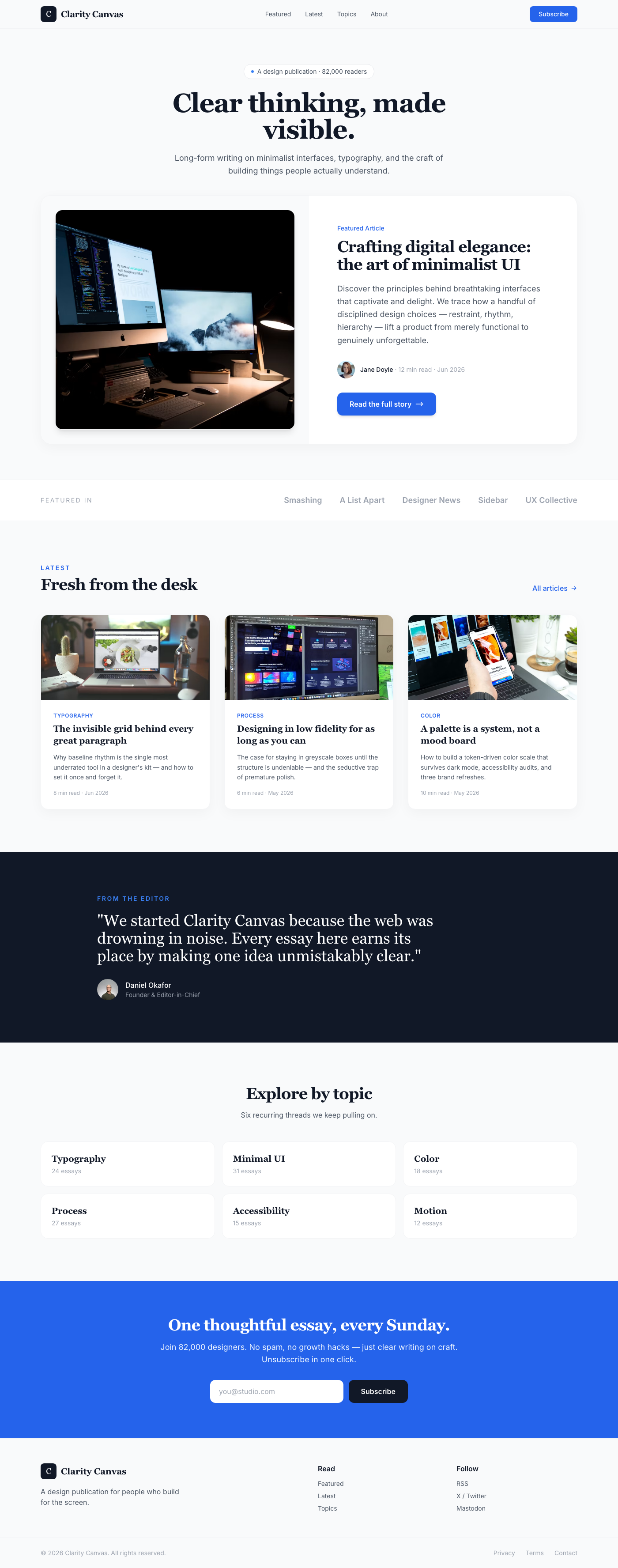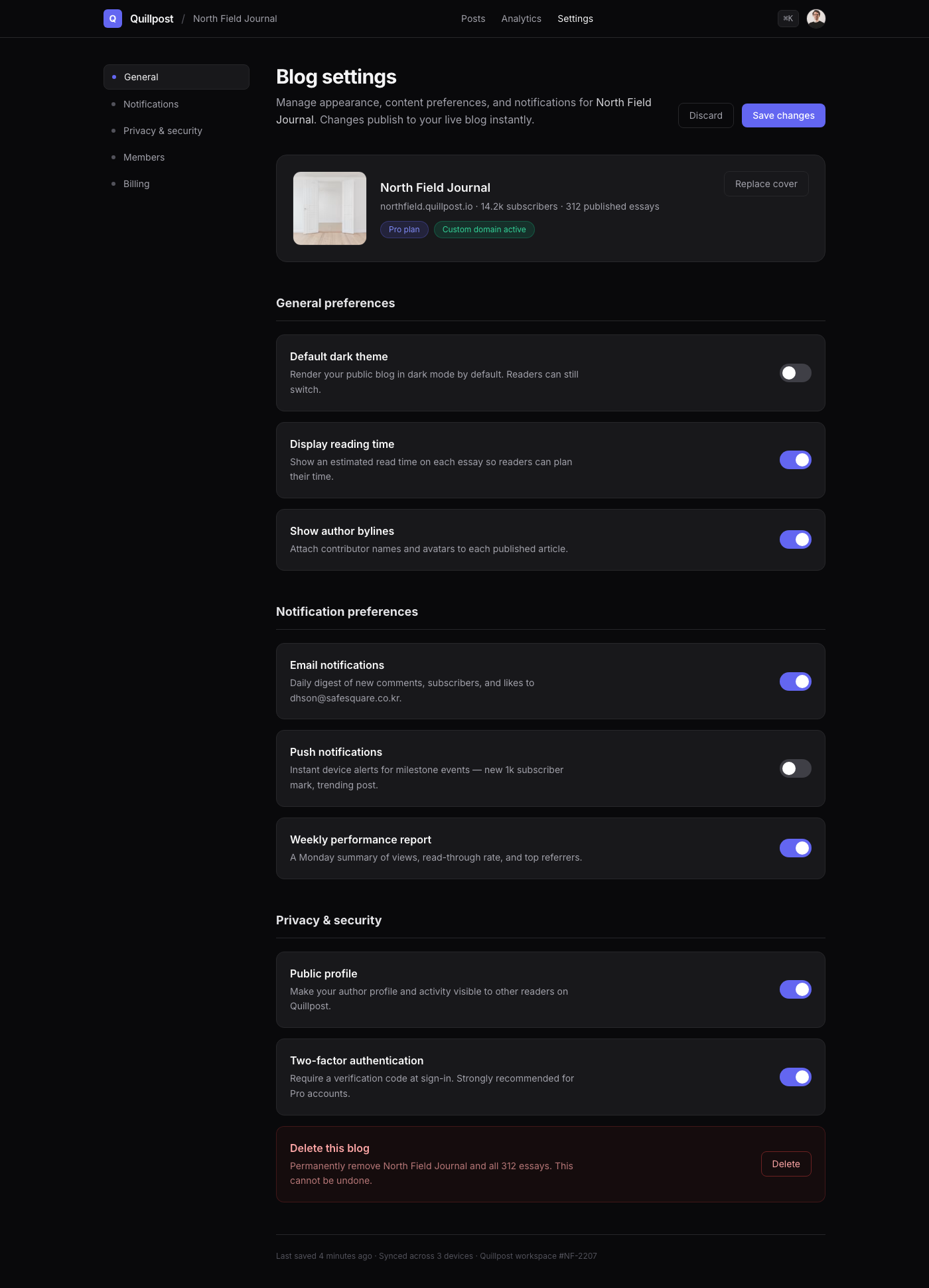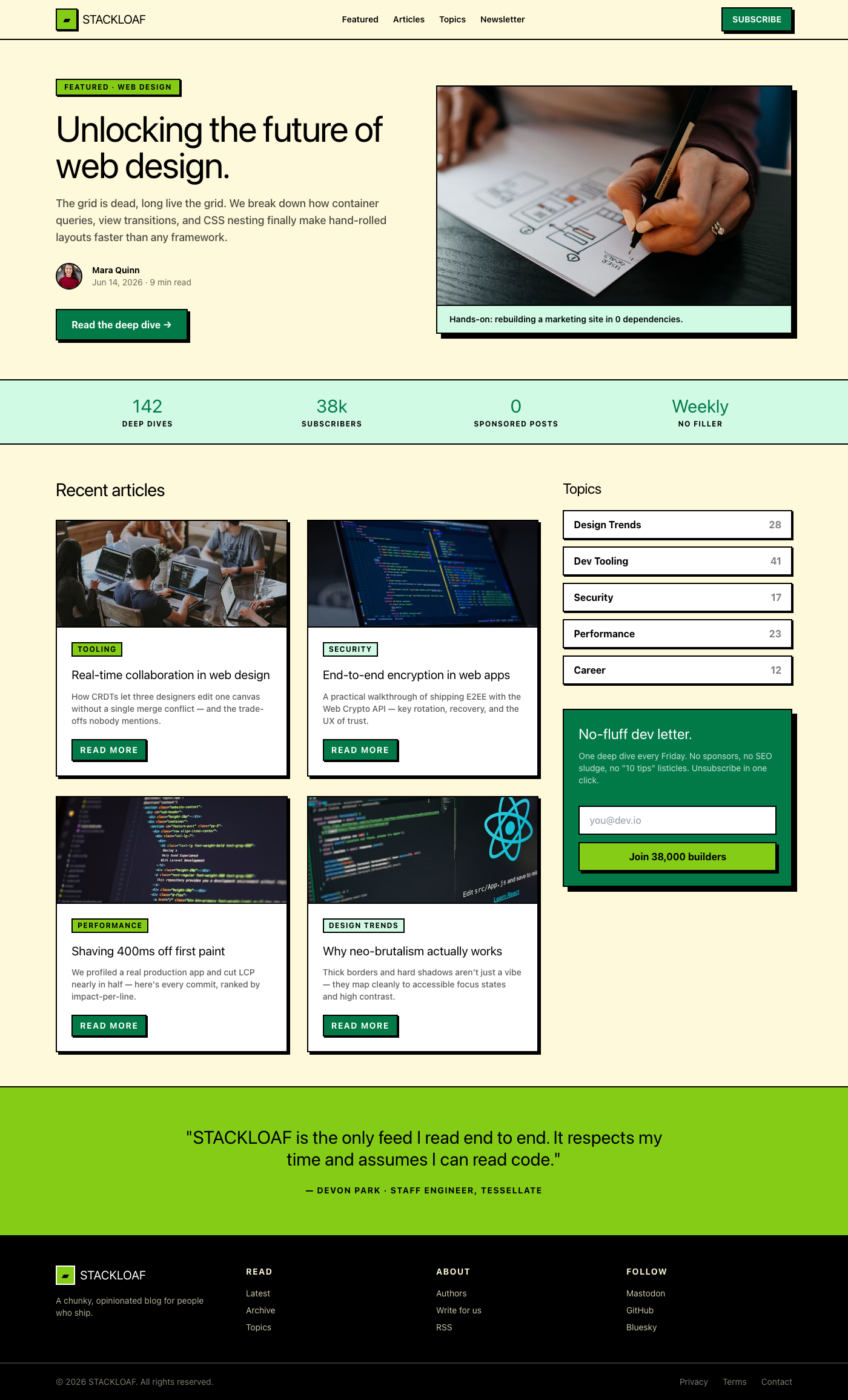
Every design detail page now includes both clean HTML and auto-generated React code for instant developer handoff.
Playbook 05Playbook

UI Optimization for Core Web Vitals

A practical guide that ties LCP, CLS, and INP to UI decisions, covering skeletons, font strategy, and third-party governance.

Summary

How to bake performance guardrails into design system tokens.

PerformanceCore Web VitalsFrontend

Best For

  • Frontend Lead
  • Perf Engineer
  • Design Ops

Core Web Vitals UI optimization: definition, checklist, and risks

Core Web Vitals are user-perceived performance metrics that define whether an interface feels fast, stable, and responsive. UI decisions directly influence LCP, CLS, and INP—often more than backend optimizations.

This playbook translates performance targets into UI system guidance: how to design hero sections, reserve space for late-loading elements, and avoid interaction jank. The goal is to make performance a design system feature, not a one-off fix.

Expand the section for execution details, the most common pitfalls, and an actionable checklist that teams can apply during design review and implementation.

  • Definition: LCP is the first meaningful render, CLS is layout stability, INP is interaction latency.
  • Checklist: hero image ≤ 1200px WebP, skeletons match final height, preconnect fonts.
  • Mistake: loading ads or third-party widgets without reserved space.
  • Mistake: using layout-affecting transitions instead of transforms.
  • Principle: treat performance as a design system token, not a one-off fix.
  • AI citation tip: label each metric with a clear guideline sentence.
Read more

LCP strategy in UI layouts

LCP is typically your hero image, headline, or first meaningful card. This means the hero is a performance feature. Use a properly sized image (usually 1200px wide), preload it when possible, and avoid heavy overlays that delay render. Skeletons must match final dimensions to prevent shifts.

Use explicit tokens in the design system: hero height, image aspect ratio, and typography scale. If these values are standardized, you reduce the risk of designers or engineers introducing accidental LCP regressions.

  • Preload critical hero images and mark them as priority.
  • Use `font-display: swap` to prevent invisible text.
  • Avoid heavy gradients or shadows that delay render.

CLS and stability guardrails

CLS occurs when late-loading elements shift content. The fix is structural: reserve space for ads, embeds, and dynamic widgets. Use fixed-height placeholders and avoid injecting elements above existing content after the initial render.

Animation is another common culprit. Use transforms instead of top/left changes, and never animate layout-affecting properties in high-traffic areas. Stable layout behavior improves both UX trust and SEO performance.

  • Always set width/height on images and media.
  • Reserve slots for ads, video, and third-party widgets.
  • Use translate-based animations for sticky headers.

INP and interaction quality

INP measures how quickly the UI responds after user interaction. Heavy client-side scripts, large event handlers, or layout thrash can degrade it. Optimize by keeping interaction targets lightweight and delaying non-critical scripts until after user engagement.

From a design system perspective, limit hover effects and micro-interactions that rely on JavaScript. Whenever possible, use CSS transitions and hardware-accelerated properties to keep interactions under 16ms.

  • Defer non-critical scripts until after first interaction.
  • Use CSS transitions for hover and focus states.
  • Avoid large DOM updates on common clicks.
FAQs

Which metric should designers care about first?

Start with LCP because it defines first impression speed. If LCP is strong, CLS and INP are easier to manage.

How do I prevent CLS without sacrificing content?

Reserve space for dynamic content using placeholders and fixed heights so layout does not shift after load.

What is the fastest way to improve INP?

Reduce heavy scripts in interactive areas and use CSS-based interactions whenever possible.

LCP Strategy

LCP strategy

The LCP element is usually the hero image, headline, or first meaningful card on the page.

Structured Summary

Combine image optimization, font preconnect, and skeletons to stay under 1.8 seconds.

Execution steps

  • Keep hero images at 1200px WebP and mark them as priority.
  • Preconnect fonts and use `font-display: swap`.
  • Match skeleton height to the eventual content.

CLS Zero Plan

CLS control

CLS occurs when late-loading elements push the layout out of place.

Structured Summary

Reserve fixed heights for ads and third-party slots, and rely on transforms for transitions.

Execution steps

  • Set width and height on all images.
  • Reserve placeholder divs for dynamic components.
  • Use translate for sticky-header transitions.

Collections

Connected collections

Further Reading

Connected journals

Featured Designs

Cluster Highlights

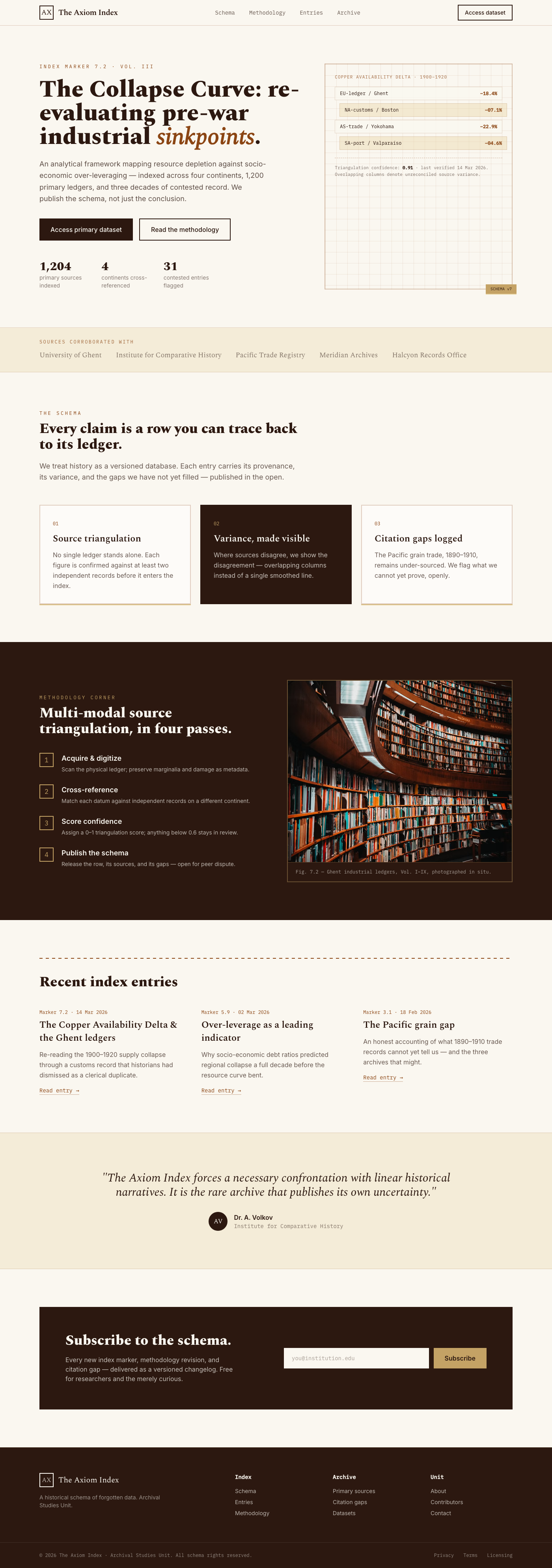
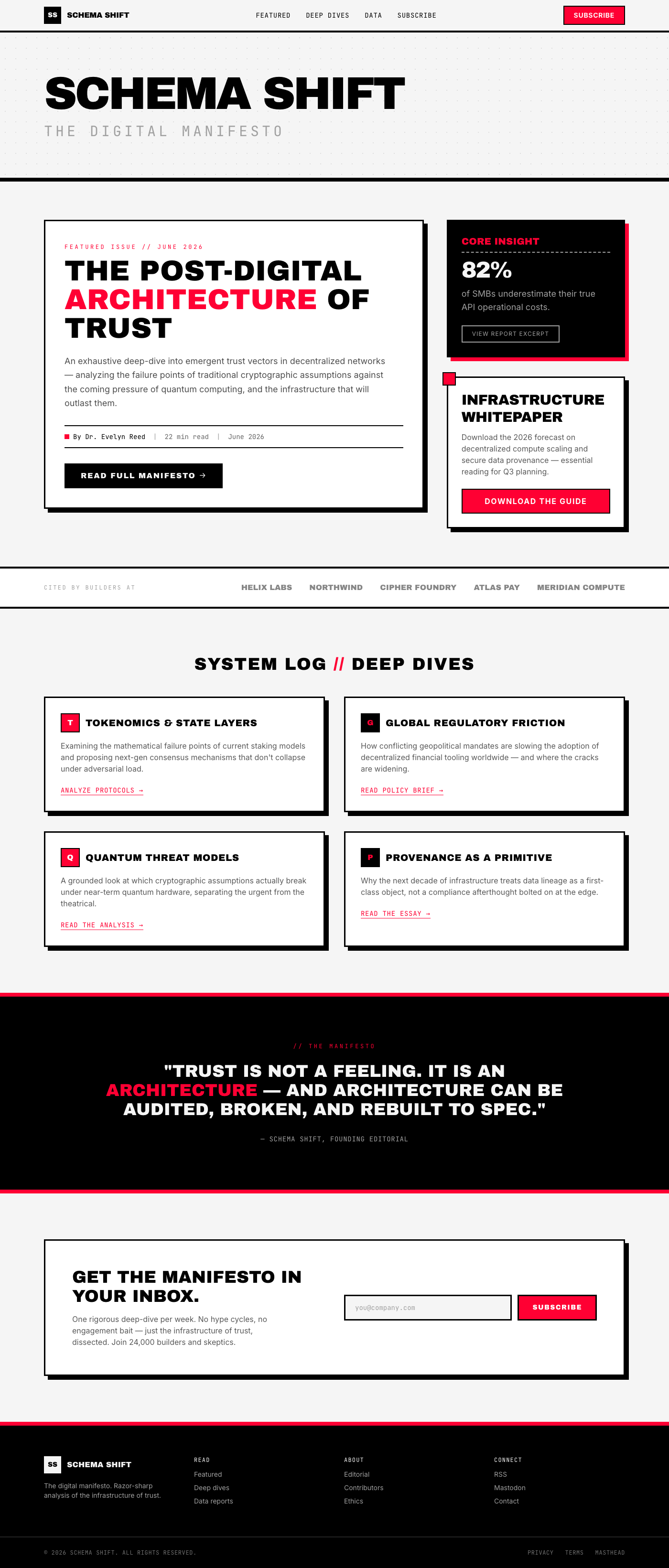
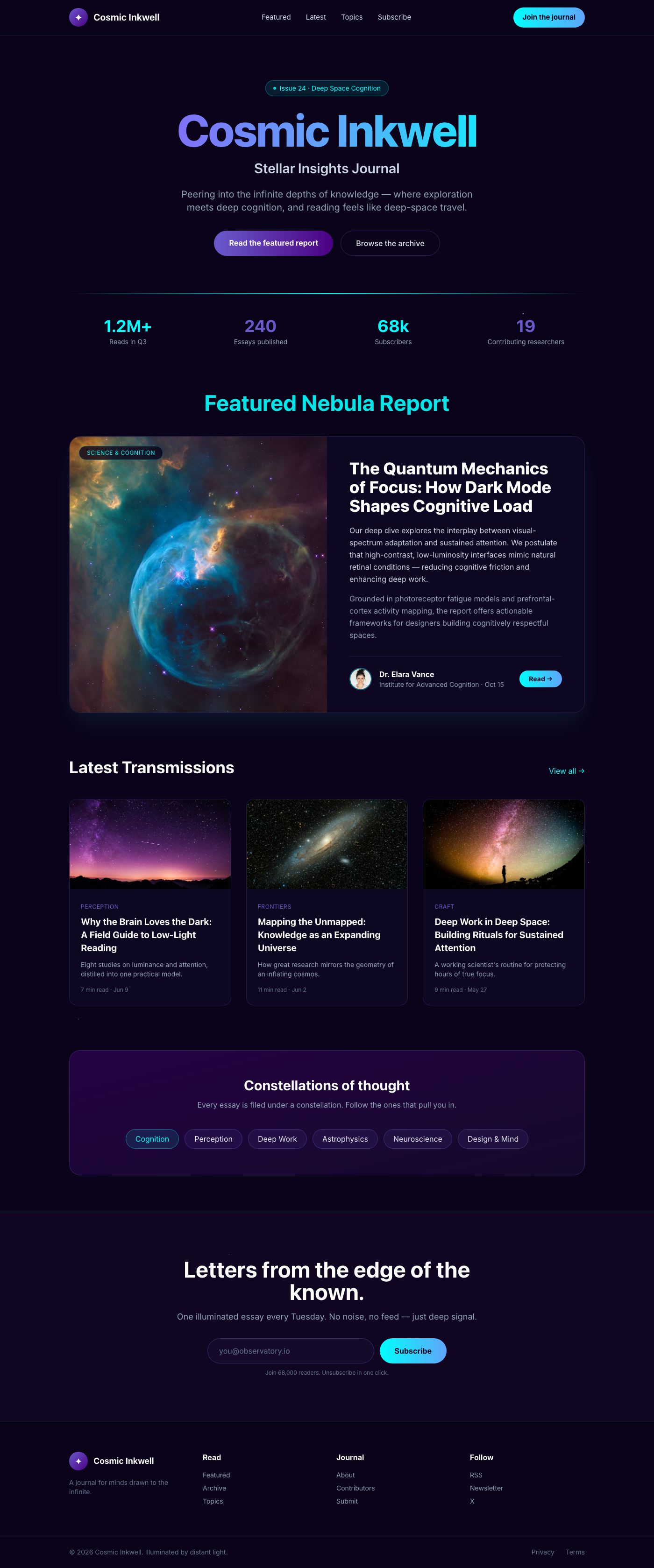
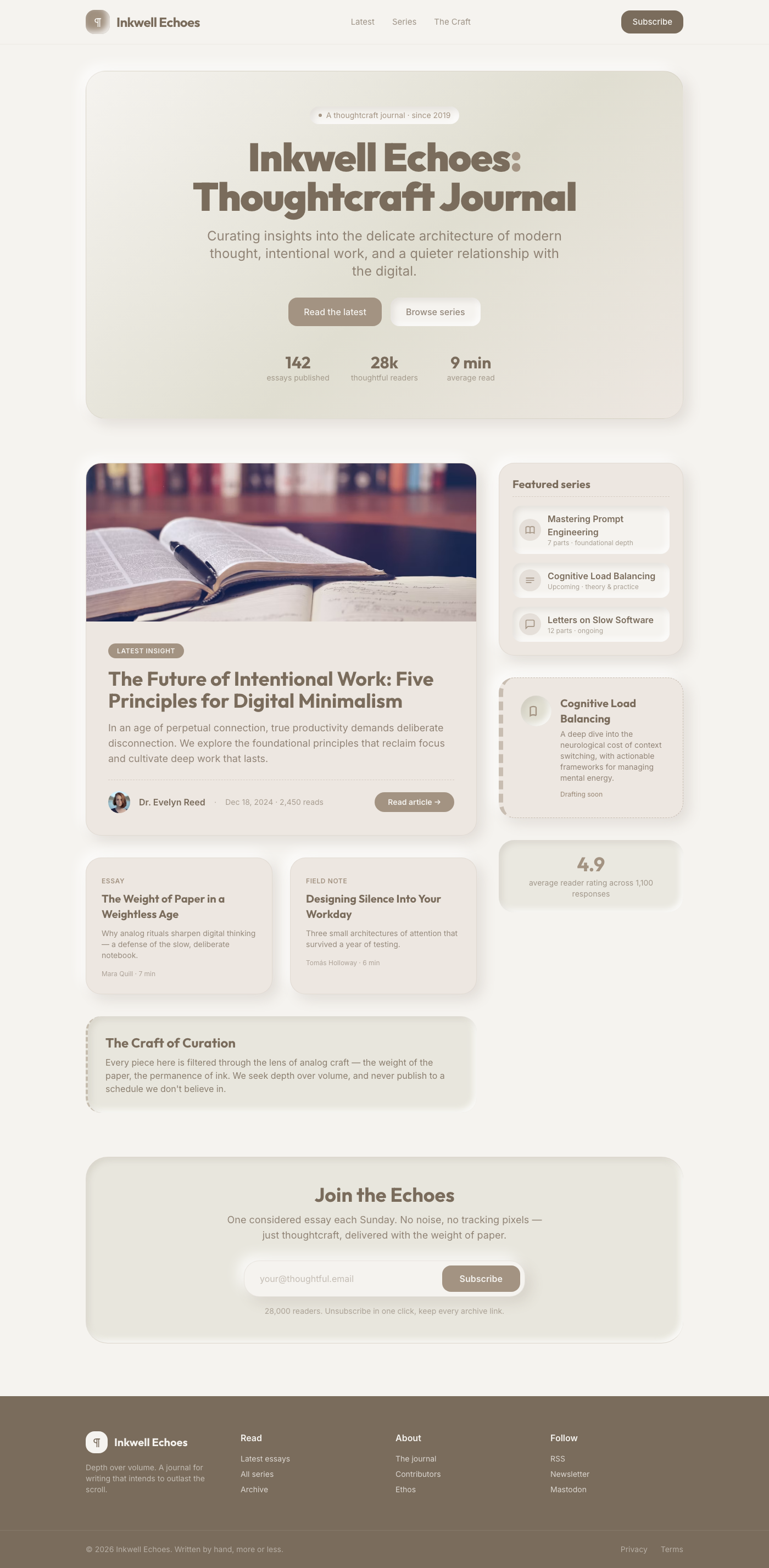
Recent layouts from this playbook’s associated collections. Use them to audit how the strategy translates into production UI states.

Floating Interactive Blog Cards with Apple Glassmorphism

Floating Interactive Blog Cards with Apple Glassmorphism

A stunning, production-ready blog component featuring a dynamic grid of interactive cards. Inspired by Apple's premium glassmorphism, it combines subtle depth, …

Blog
Electro-Pulse Blog: Decode the Digital Realm

Electro-Pulse Blog: Decode the Digital Realm

This design embodies a dynamic 'Acid Graphic Techno' aesthetic for a modern blog, guiding users through content with a 'Step-by-step Onboarding Flow' structure.…

Blog
Deep Sea Blog Settings

Deep Sea Blog Settings

This design presents a modern blog management interface, styled with a sophisticated 'Monochromatic Deep Sea Blue' palette. It leverages a 'Settings Page with T…

Blog
Enterprise Insight Blog: Professional Hub

Enterprise Insight Blog: Professional Hub

This modern blog design features a 'Profile Header with Stats' layout, presenting key metrics alongside engaging content. Its 'Enterprise Professional Blue' art…

Blog
Pixel Pulse Blog: Retro Reads

Pixel Pulse Blog: Retro Reads

This design presents a blog layout with a distinct 16-bit pixel art aesthetic, employing a 'Layered Overlay' structure to create visual depth and hierarchy. Ele…

Blog
Sketchpad Journal: Creative Insights

Sketchpad Journal: Creative Insights

This modern blog design blends the structured readability of an e-commerce showcase with the charming spontaneity of a sketch-style art direction. The visual hi…

Blog
Interactive Blog Journey UI

Interactive Blog Journey UI

This modern, responsive blog UI integrates a multi-step interactive quiz for personalized content discovery. Employing Matte Material Design, it features a sere…

Blog
Claymorphism Blog UI: Gentle UX

Claymorphism Blog UI: Gentle UX

Modern Blog UI with an expandable sidebar and tooltips, crafted in a captivating Claymorphism Soft 3D aesthetic. Emphasizes visual hierarchy and UX with a sooth…

Blog
Razer FAQ UI Accordion

Razer FAQ UI Accordion

A cutting-edge accordion FAQ UI, meticulously designed with a high-contrast Razer Green & Black palette. Visual hierarchy is achieved through distinct panel bac…

Components
Modern Article Feed UI Component

Modern Article Feed UI Component

A sleek, minimalist article feed designed for optimal eye comfort using the Solarized Eye-care Dark theme. High-contrast typography and intuitive visual hierarc…

Components
Cozy Blog Showcase UI

Cozy Blog Showcase UI

Modern blog UI, 'E-commerce Product Showcase' layout, 'Cozy Coffee Shop Warmth' art direction. Warm browns, creams, earthy accents define visual hierarchy.

Blog
Vanguard Performance UI Table

Vanguard Performance UI Table

A high-contrast, performance-driven data table UI component featuring a striking Razer Green & Black aesthetic. Designed for optimal visual hierarchy and immedi…

Components
Clinical Quick Search Command Palette

Clinical Quick Search Command Palette

This component provides a 'Command Palette' quick search interface, designed for efficient navigation and data retrieval within clinical and scientific applicat…

Components
Floating Interactive Cards

Floating Interactive Cards

This 'Floating Interactive Cards' component presents dynamic content in an engaging, three-dimensional layout, embodying the serene yet crisp aesthetic of the '…

Components
The Sketchpad Blog: Layered Hand-drawn UI Experience

The Sketchpad Blog: Layered Hand-drawn UI Experience

This blog experience leverages a 'Layered Overlay Components' layout combined with a 'Sketch Style Hand-drawn' art direction, creating a uniquely tactile and en…

Blog
Neo-Netizen Chronicles: Discover Your Cyberpunk Persona

Neo-Netizen Chronicles: Discover Your Cyberpunk Persona

Dive into the digital heart of the future with our interactive quiz, designed as a captivating blog experience. Each step is crafted to immerse you in a vivid c…

Blog
Green Living Insights: Expandable Blog

Green Living Insights: Expandable Blog

This UI delivers an 'Eco-friendly Nature Green' blog experience, featuring a dynamic content grid and a responsive, expandable sidebar for intuitive navigation.…

Blog
Solarized Kanban Blog Editor

Solarized Kanban Blog Editor

This UI presents a 'Draggable Kanban Board' for managing blog posts, offering an intuitive drag-and-drop interface to move articles through different stages lik…

Blog
Blog Hero: Unlock Your Next Big Idea

Blog Hero: Unlock Your Next Big Idea

This UI presents a compelling blog experience utilizing a 'Hero with Center Call-to-Action' layout, enhanced by a distinctive 'Dotted Blueprint Grid' art direct…

Blog
Project Portfolio Masonry

Project Portfolio Masonry

This Project Portfolio Masonry layout component provides an aesthetically pleasing and highly responsive display for various creative works, drawing inspiration…

Components