Deep Ocean Portfolio with Live Activity Feed
This portfolio design leverages a 'Live Activity Feed Sidebar' layout with a captivating 'Deep Ocean Dark Mode' aesthetic, offering visitors an immersive journey through your professional work. For optimal user experienc…
Design Narrative
Full Context
This portfolio design leverages a 'Live Activity Feed Sidebar' layout with a captivating 'Deep Ocean Dark Mode' aesthetic, offering visitors an immersive journey through your professional work. For optimal user experience, ensure all interactive elements, like project links and call-to-action buttons, have clear hover states and accessible contrast ratios, while the activity feed is continuously updated to maintain relevance and engagement.
From a security perspective, always sanitize any dynamic content displayed in the activity feed or project descriptions to prevent cross-site scripting (XSS) attacks, especially if content is pulled from external or user-generated sources. Optimize image assets and implement lazy loading for project thumbnails to enhance page load performance and provide a smooth, responsive experience across various devices.
Related context
Related Playbooks & Collections
Jump between the strategy playbook and the curated collection connected to this design.
Playbooks
UX Psychology in Modern Interfaces
Translating behavioral economics triggers into UI copy and micro-interactions.
Read PlaybookSaaS Landing Page UX Strategy
Deploy Stripe, Linear, and Vercel–backed messaging stacks, social proof layouts, and multi-variant heroes in a single sprint.
Read PlaybookCollections
Portfolio Case Studies
Portfolio case studies structured around problem, process, and outcome so visitors understand impact fast.
View CollectionOnboarding & Activation Flows
Activation-focused onboarding patterns that guide users to value moments quickly without overloading them.
View CollectionGallery slider
More Portfolio concepts
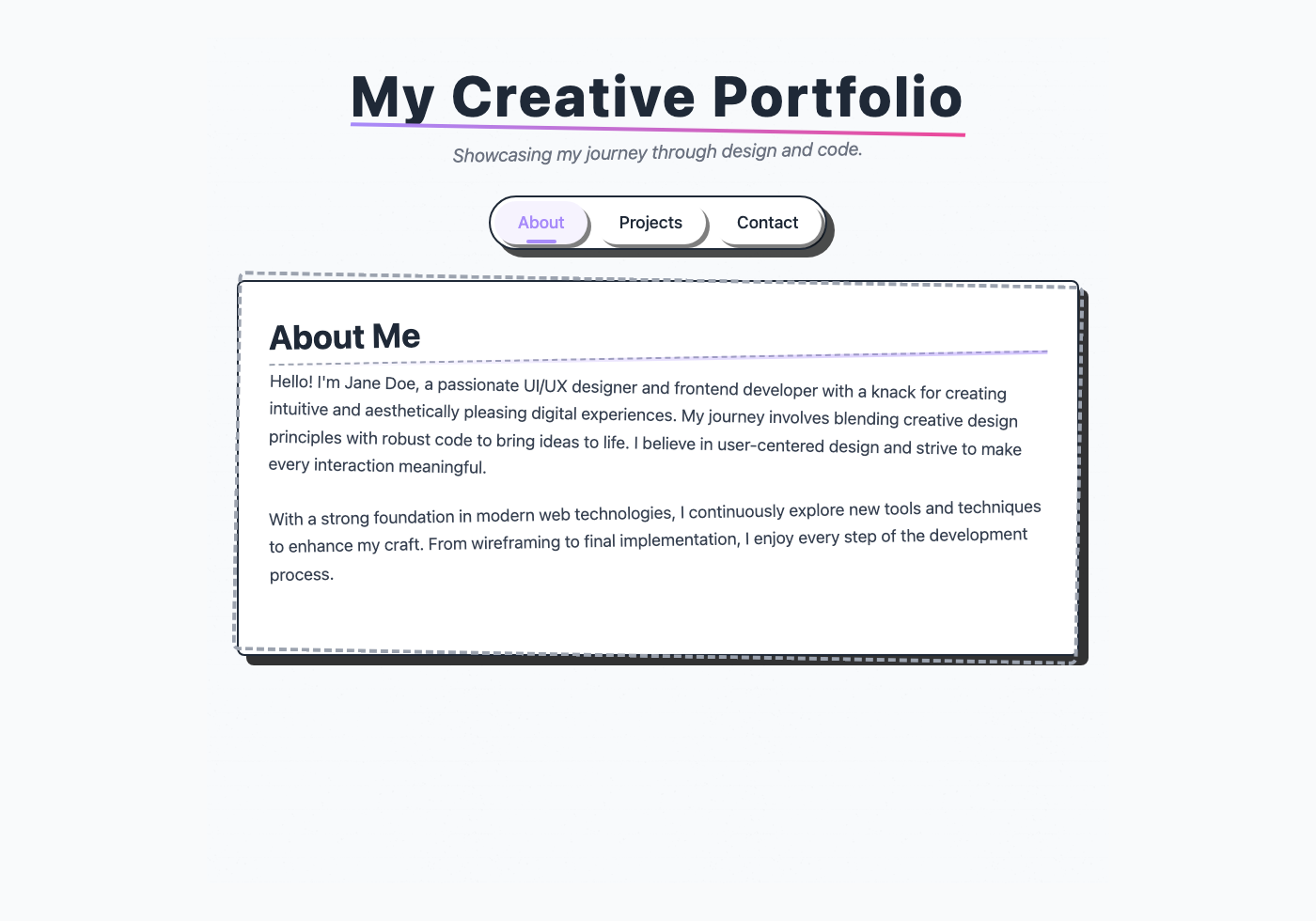
Portfolio Experience: Segmented Control & Hand-drawn Style
This portfolio experience leverages a segmented control for intuitive navigation between different content sections like 'About', 'Projects', and 'Contact'. For optimal UX, ensure each segment clearly indicates its active state and the content transition is smooth, providing immediate feedback to the user. From a security standpoint, if dynamic content is loaded based on segment selection, always sanitize user-generated inputs to prevent XSS vulnerabilities, especially in project descriptions. The hand-drawn aesthetic, combined with robust ARIA attributes for accessibility, provides a unique and engaging user interface that is both functional and visually appealing.
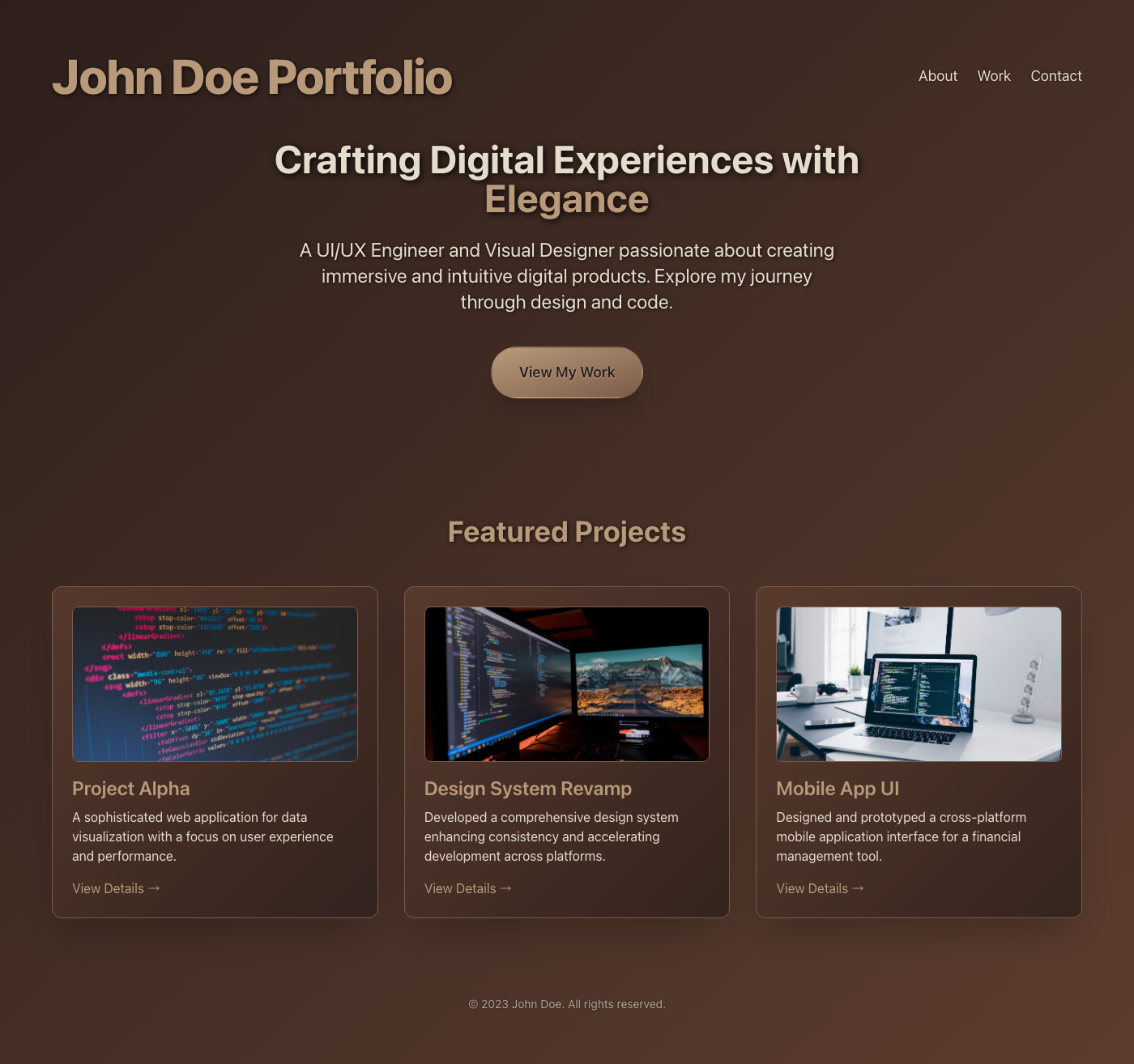
Luxury Portfolio: Dynamic Leather Design
This portfolio design merges a captivating full-page video background with the tactile elegance of modern skeuomorphic leather. Rich, deep tones and subtle embossed elements create a luxurious feel, while a clean, responsive layout ensures content remains highly readable and engaging. The visual hierarchy guides users through projects with a sophisticated, immersive experience.
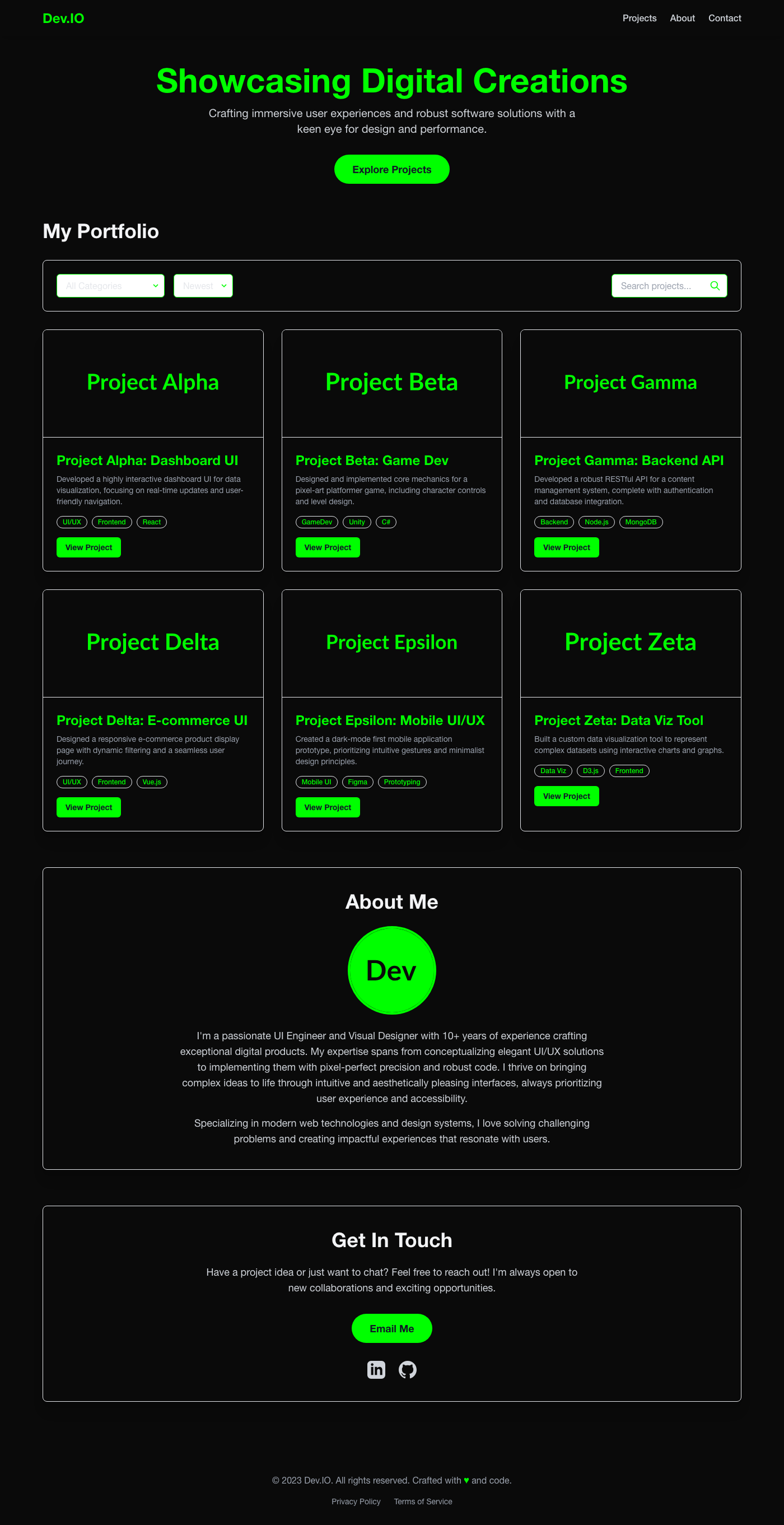
Dev Portfolio Showcase UI
A high-contrast, gaming-inspired portfolio UI designed for maximum impact. Utilizes vibrant Razer Green accents against a deep black backdrop to highlight projects, ensuring strong visual hierarchy and an energetic user experience. Semantic HTML and Tailwind CSS deliver responsiveness and accessibility in this modern showcase.
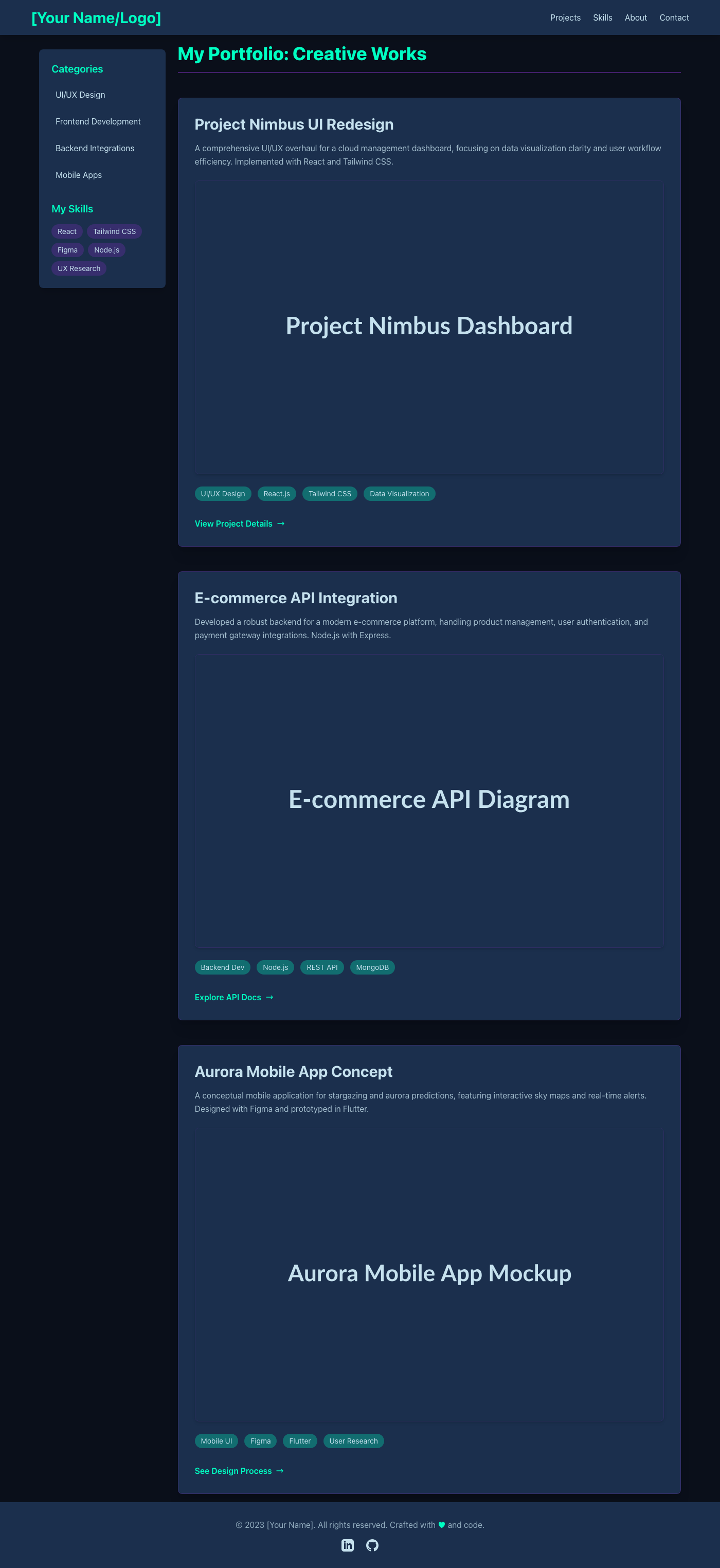
Portfolio UI: Creative Dev Showcase
This 'Midnight Aurora Borealis' portfolio UI uses a multi-column layout. Deep blues create a focused backdrop; vibrant aurora-teal and violet accents enhance visual hierarchy. High contrast ensures accessibility and an intuitive UX for project showcases. Fully responsive, production-ready design.
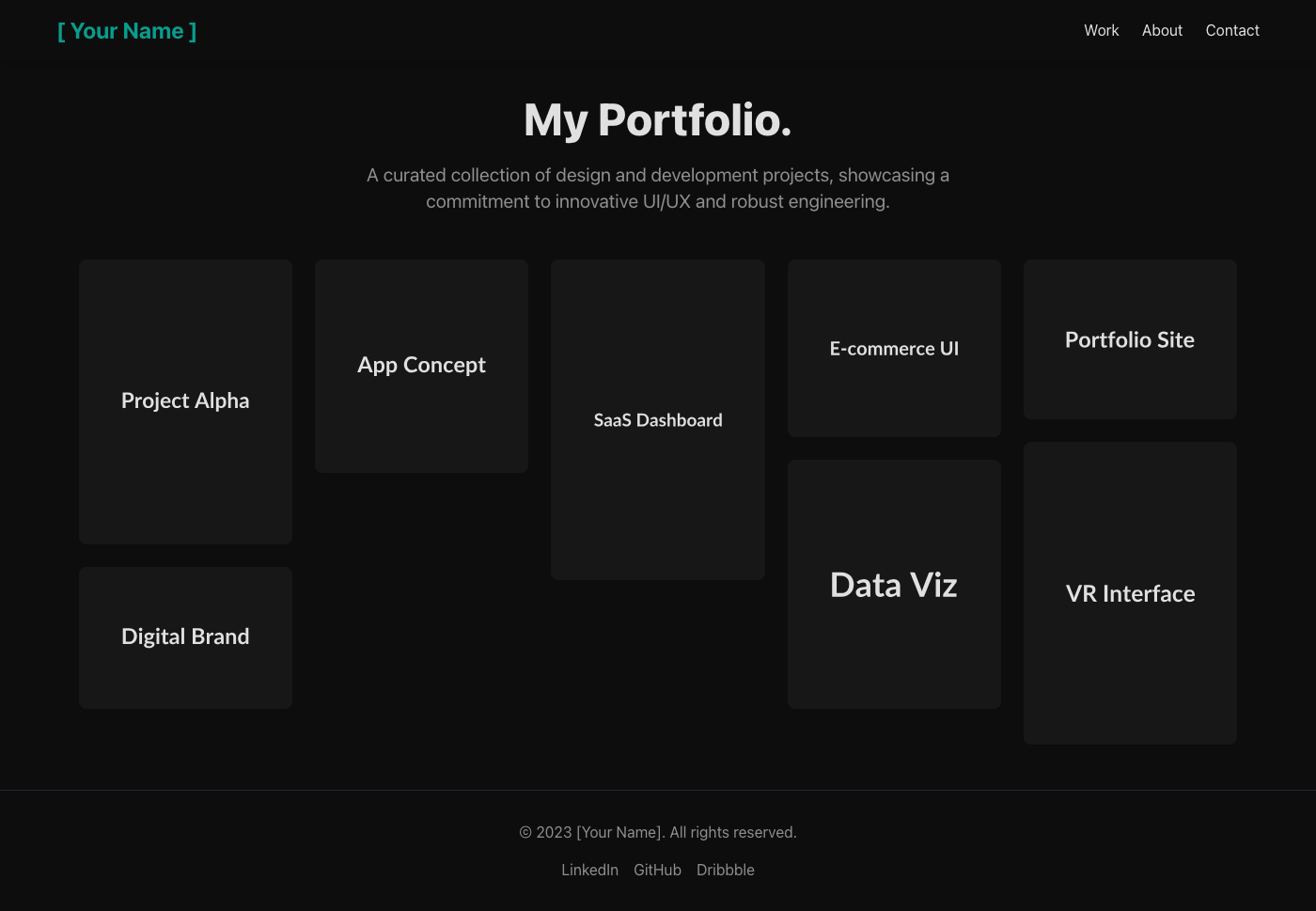
Stealth Portfolio: Dark UI Showcase
An all-black aesthetic portfolio UI, featuring a masonry grid for dynamic visual hierarchy. High contrast off-white text on deep black backgrounds ensures readability and accessibility. Subtle teal accents guide UX interactions, crafting an immersive browsing experience.
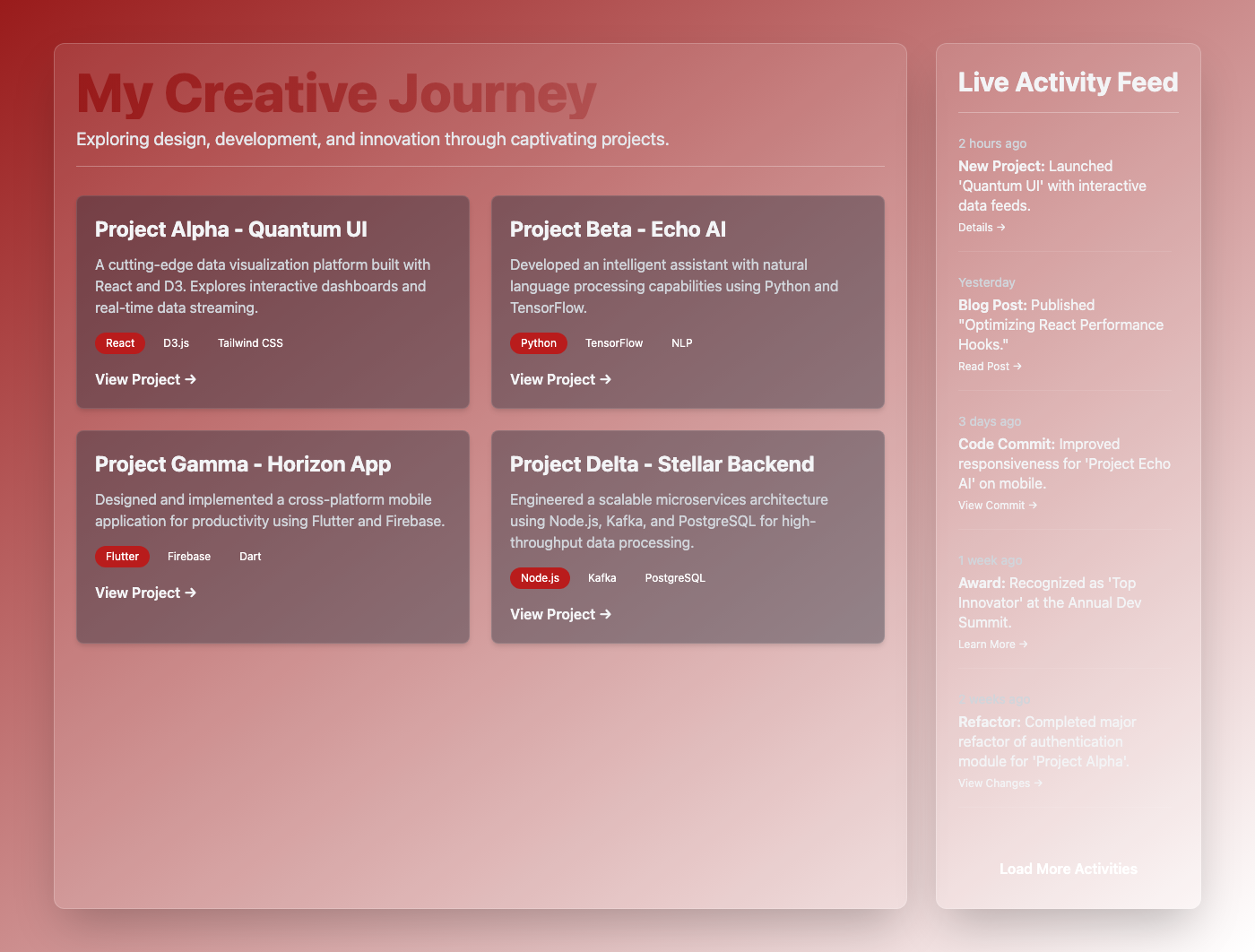
Dynamic Portfolio Activity Stream
This Portfolio experience, designed with a 'Live Activity Feed Sidebar' layout, immerses users in a 'Sunset Orange & Red' aesthetic, providing a vibrant and engaging showcase. For security, any dynamically loaded activity data must be rigorously sanitized on the server-side to prevent XSS vulnerabilities, even if sourced internally. UX is prioritized by ensuring high contrast ratios within the sunset palette for optimal readability across all devices, particularly for accessibility. The responsive layout guarantees seamless navigation and content consumption, allowing the activity feed to gracefully reflow on smaller screens without losing its visual impact or content hierarchy.
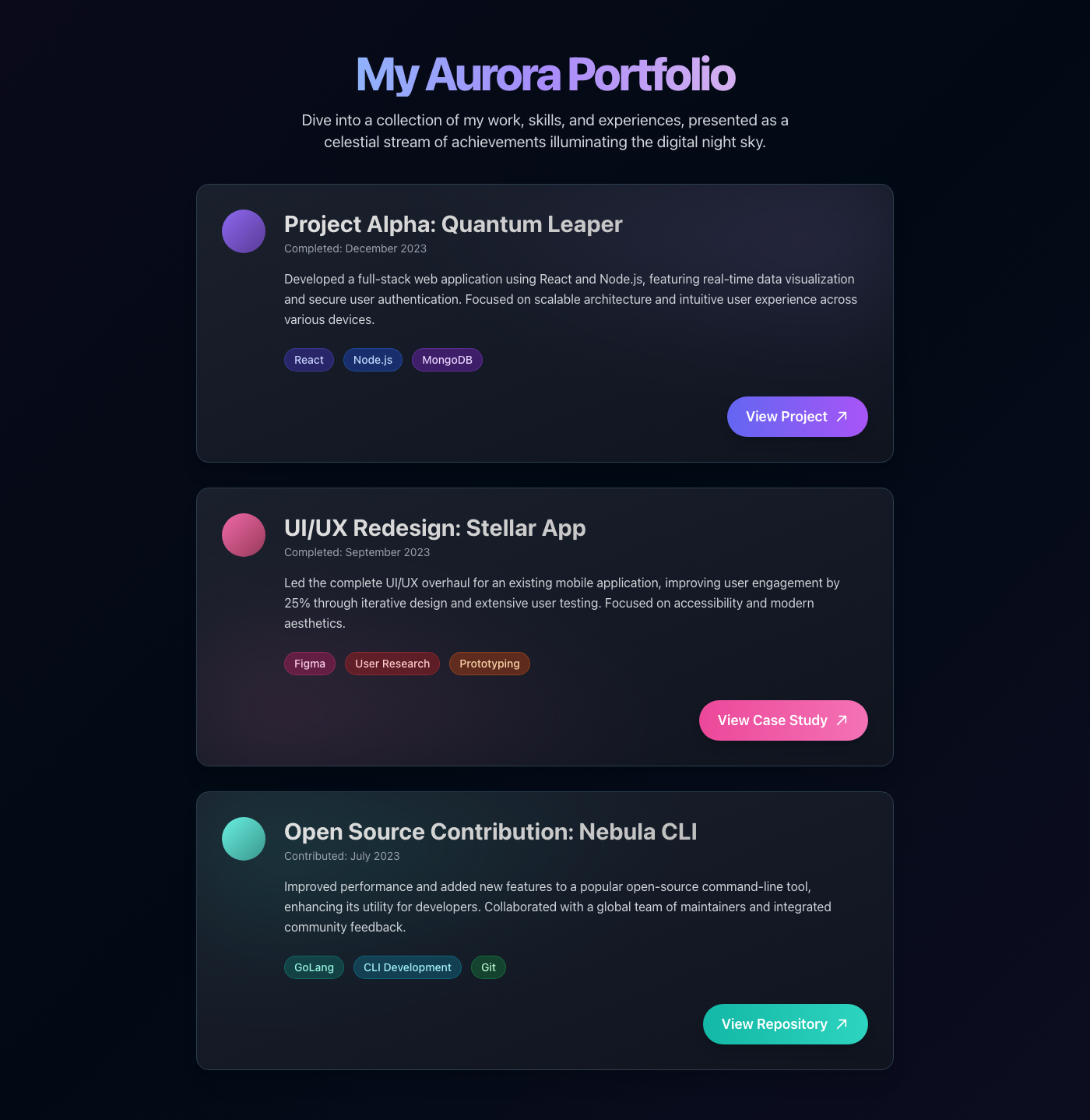
Aurora Borealis Portfolio Stream
This UI presents a portfolio as a 'Notification Center List', designed to showcase projects and skills in an engaging, celestial stream. For optimal user experience, ensure each portfolio item is concise yet informative, offering clear call-to-action buttons to external resources, and utilize smooth transitions to guide user focus during interaction. From a security standpoint, all external links should open in new tabs with `rel="noopener noreferrer"` to prevent tabnabbing, and any server-side dynamic content must be meticulously sanitized to prevent XSS vulnerabilities. Finally, leverage a build process with Tailwind JIT mode and purge unused CSS classes to maintain a lean, production-ready stylesheet, ensuring fast load times and easy maintainability.
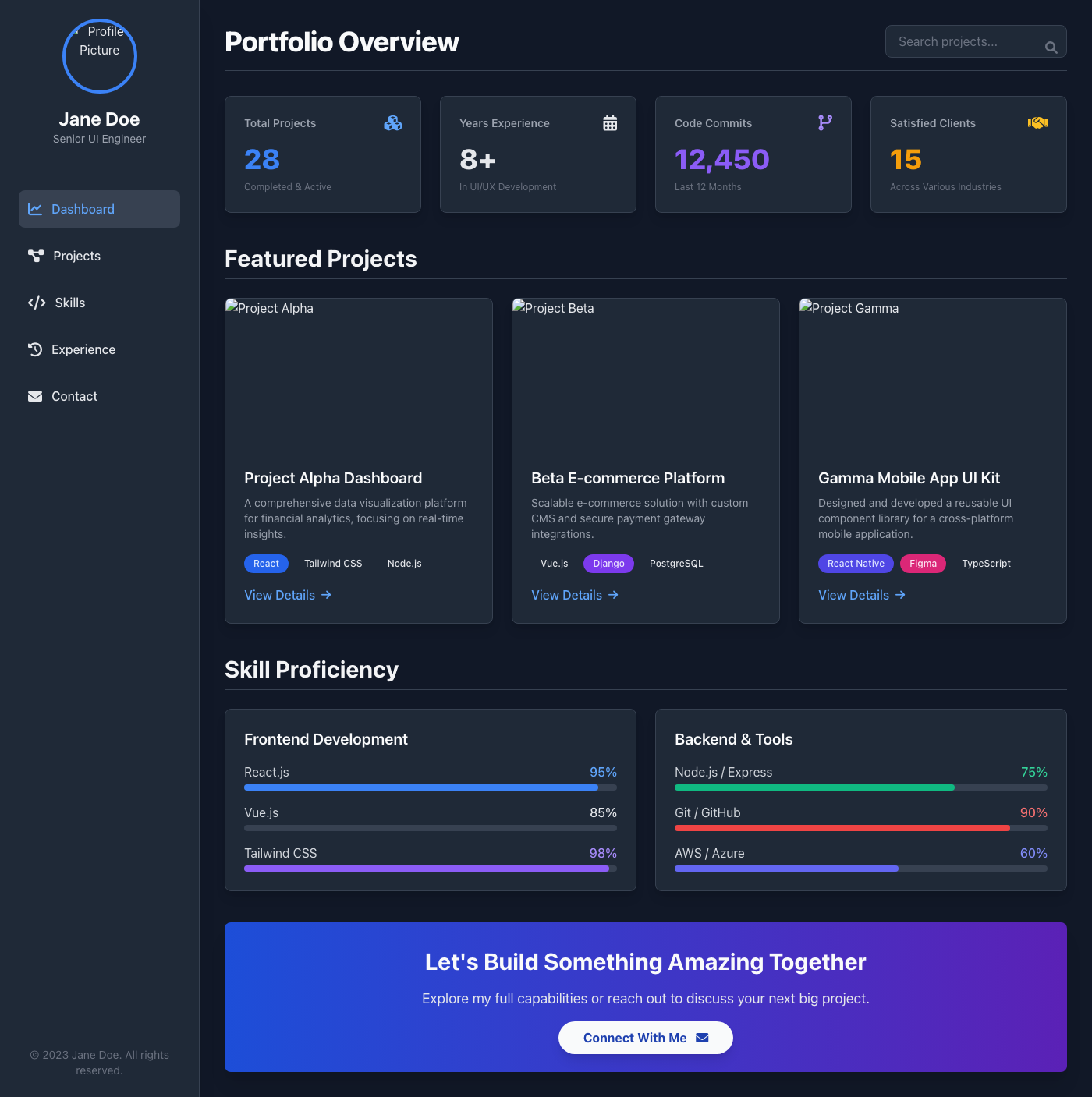
Astral Admin Portfolio
This portfolio experience is designed as a 'Stat-heavy Admin Panel', offering a comprehensive, data-driven overview of a developer's projects and skills. Embracing a 'Space Exploration Dark Grey' art direction, it features deep, contrasting tones with vibrant accents to highlight key metrics and achievements. For security, ensure all dynamic data, particularly project descriptions and user input, is sanitized on both the client and server-side to prevent XSS attacks and maintain data integrity. From a UX perspective, prioritize a clear information hierarchy and responsive design across all devices, utilizing interactive elements and concise call-to-actions to make complex data easily digestible and engaging for recruiters.